

Download SonicStage – music organizer, audio file management, music library, CD import, music transfer, customizable interface, music compilation
Overview
SonicStage is a mobile application developed by Sony Corporation, designed to streamline the management and enjoyment of personal audio collections. Its primary purpose is to serve as a centralized tool for organizing music libraries, importing tracks from physical media such as Audio CDs, and transferring files to portable devices. The app supports a wide range of audio formats, enabling users to play and manage diverse music files without relying on additional software. This functionality is especially valuable for individuals seeking a unified solution for both digital and physical music sources.
Target users include music enthusiasts, casual listeners, and collectors who maintain large or varied audio libraries. The app addresses common challenges such as fragmented music collections, difficulty in organizing files, and the need for a seamless transfer process between devices. Real-world use cases include digitizing CD collections, creating custom playlists for events or travel, and maintaining a synchronized music library across multiple platforms. Despite its release date in 2011, SonicStage remains relevant within the niche of audio management tools, particularly for users loyal to Sony’s ecosystem.
The developer, Sony Corporation, is a well-established name in consumer electronics and digital media, lending credibility to the app’s design and functionality. Although the developer did not provide additional technical details, the app’s core features suggest a focus on usability and compatibility with Sony’s hardware. Its presence in the music and audio category highlights its role in the broader mobile app ecosystem as a utility tool for audio enthusiasts.
Key Features & Functionality
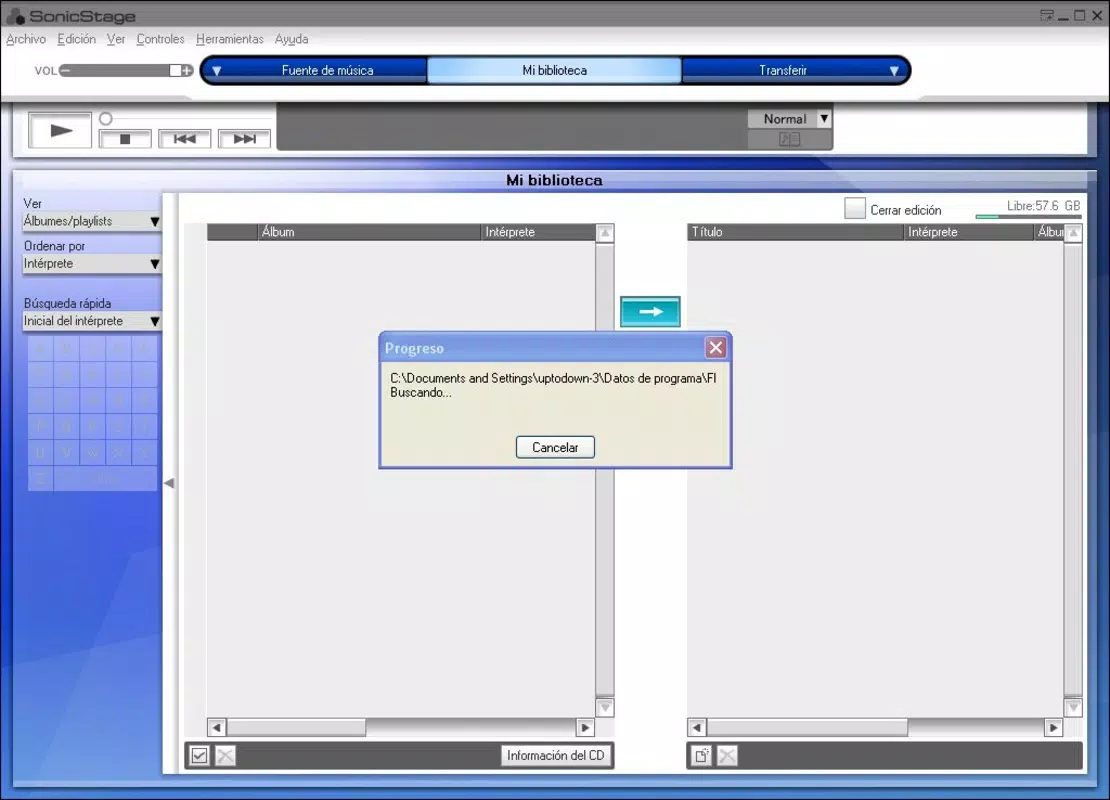
- User-Friendly Interface: SonicStage offers a customizable interface, allowing users to switch between a full-featured mode and a simplified version. This adaptability supports both novice users who prefer minimal complexity and advanced users seeking granular control over their library.
- Built-In Music Player: The integrated player supports a broad range of audio formats, ensuring compatibility with both standard and less common file types. This eliminates the need for third-party players and enhances the user’s ability to enjoy music without interruptions.
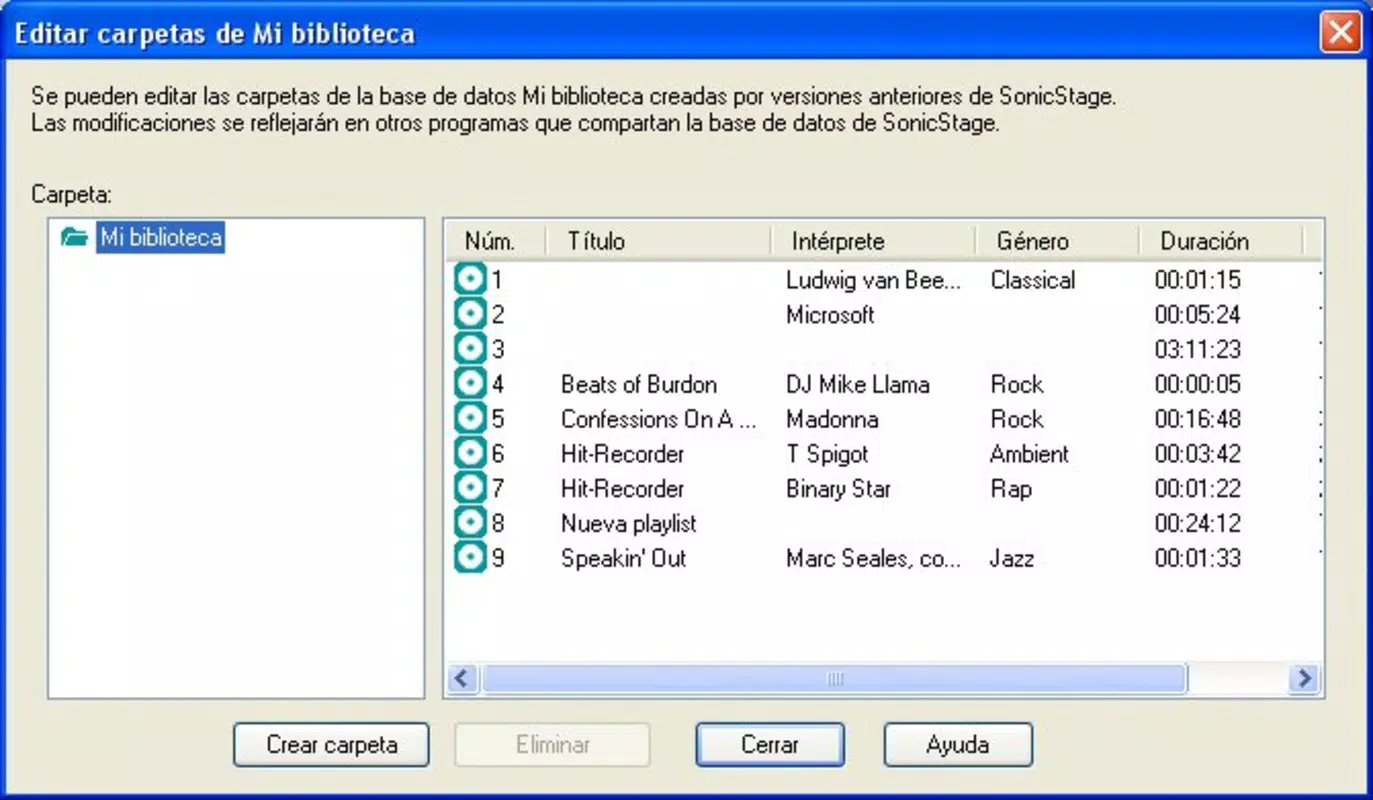
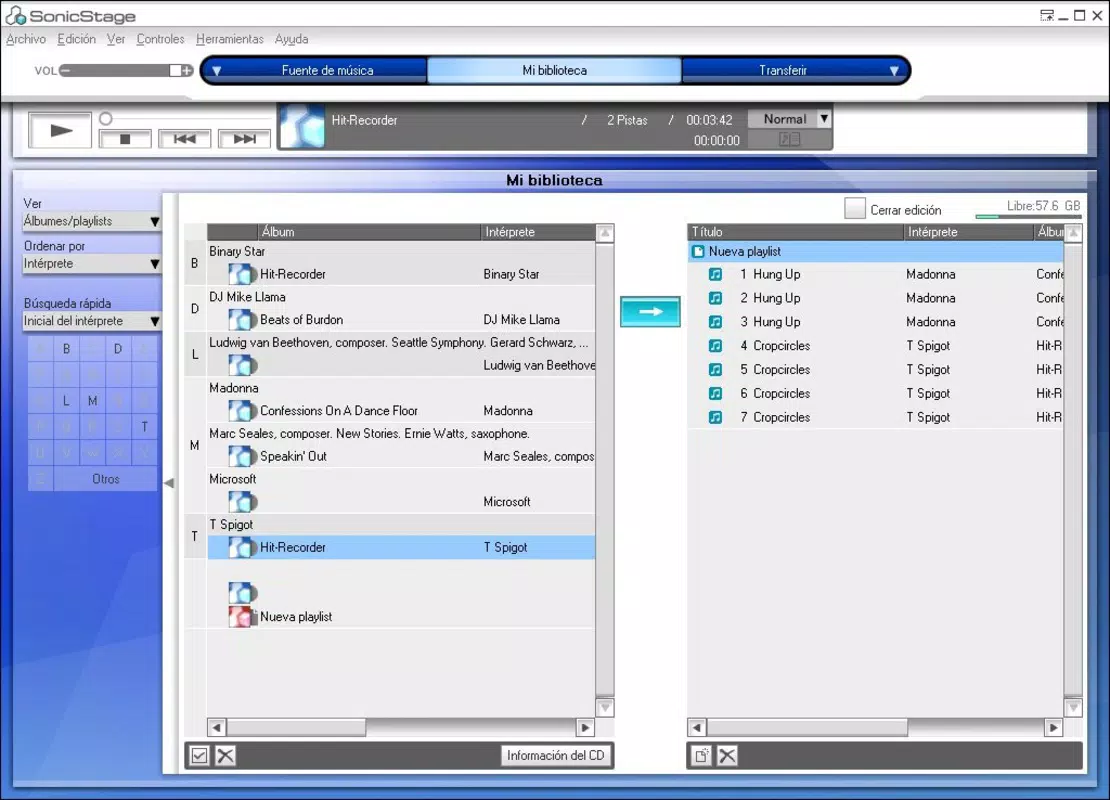
- Organize Your Library: The app enables users to classify music by artist, album, genre, or custom tags. This intuitive library system improves navigation and makes it easier to locate specific tracks or collections.
- Import and Transfer Music: Users can import music directly from Audio CDs and removable drives. The process is streamlined to reduce manual effort, and files can be transferred to portable devices with minimal steps.
- Compilation Creation: SonicStage allows users to create custom music compilations. These can be used for personal enjoyment, sharing with friends, or burning to physical media, offering flexibility in how music is curated and distributed.
For example, a user can import a collection of old CDs, organize them into albums, and create a themed playlist for a road trip. Similarly, someone managing a digital library can use the app to tag and sort files by mood or activity, enhancing the listening experience. Each feature is designed to reduce friction in music management, making SonicStage a practical tool for everyday use.
Interface, UX & Performance
The user interface of SonicStage is structured to balance functionality with accessibility. It features a clean layout with clearly labeled sections for library browsing, file import, and device transfer. Navigation is linear and consistent, allowing users to move between core functions with minimal cognitive load. The customizable interface further enhances usability by enabling users to tailor the visual experience to their preferences.
Visual style leans toward simplicity, with a focus on text and icon clarity. While the app does not feature modern animations or dynamic themes, its design prioritizes stability and performance over aesthetic flair. This approach ensures that the app remains responsive even on older devices.
Although the developer did not list formal performance metrics, the app’s lightweight size of 4.2 MB suggests efficient resource usage. It is likely to operate smoothly across a range of Android devices, particularly those released around the time of its 2011 launch. Responsiveness and stability appear to be core design goals, as evidenced by the absence of complex overlays or lag-inducing transitions. Users can expect consistent behavior during file transfers and library updates.
Platform Compatibility & Technical Requirements
SonicStage is available on the Android platform and was released on November 29, 2011. The app has a file size of 4.2 MB and is offered at no cost. The developer did not specify minimum OS requirements, making it difficult to determine exact compatibility with current Android versions. However, its lightweight nature suggests it may function on older Android systems.
Compatibility information was not fully disclosed, so users should exercise caution when installing on newer devices. The absence of detailed technical specifications means that potential users cannot verify whether the app supports modern Android features such as background processing, cloud integration, or high-resolution audio playback. Despite these limitations, the app remains accessible to users with basic Android devices.
Pros and Cons
Pros
- Free to download and use, making it accessible to a wide audience.
- Supports multiple audio formats, enhancing playback versatility.
- Enables CD import and music transfer to portable devices.
- Customizable interface caters to both beginners and advanced users.
- Offers tools for organizing and creating music compilations.
Cons
- Release date is over a decade old; compatibility with modern Android versions is uncertain.
- Developer did not provide technical specifications or system requirements.
- Limited visual design updates may appear outdated to newer users.
- No mention of cloud sync or modern connectivity features.
- Performance on current devices has not been verified.
FAQ
Is SonicStage safe to install on Android?
The app is developed by Sony Corporation, a reputable company in consumer electronics. While the developer did not provide detailed security information, its availability on official channels suggests it is free from known malware.
Can I use SonicStage to transfer music to my Sony device?
Yes, the app includes functionality for transferring music to portable devices. Given its association with Sony, it is likely optimized for use with Sony-branded hardware.
Does SonicStage support modern audio formats like FLAC or ALAC?
The app supports a wide range of audio formats, though specific types were not listed. Its ability to play less common file types suggests broad compatibility, but exact support cannot be confirmed without additional details.
How do I import music from a CD into SonicStage?
Users can import music directly from Audio CDs by connecting the device to the app. The process is designed to be straightforward, though specific steps were not detailed by the developer.
Is SonicStage regularly updated?
There is no information available about update frequency. The app was released in 2011, and no recent updates have been reported.
Final Thoughts
SonicStage remains a functional tool for managing audio collections, particularly for users with older Android devices or those integrated into Sony’s ecosystem. Its core features—CD import, music transfer, library organization, and compilation creation—offer tangible benefits for music enthusiasts seeking a dedicated audio management solution. While its age raises concerns about compatibility and modern functionality, the app’s lightweight design and free access make it a viable option for niche use cases.
For users who value simplicity, customization, and direct hardware integration, SonicStage delivers a reliable experience. However, those seeking cloud sync, advanced tagging, or support for current Android versions may need to explore more recent alternatives.
Download SonicStage now


